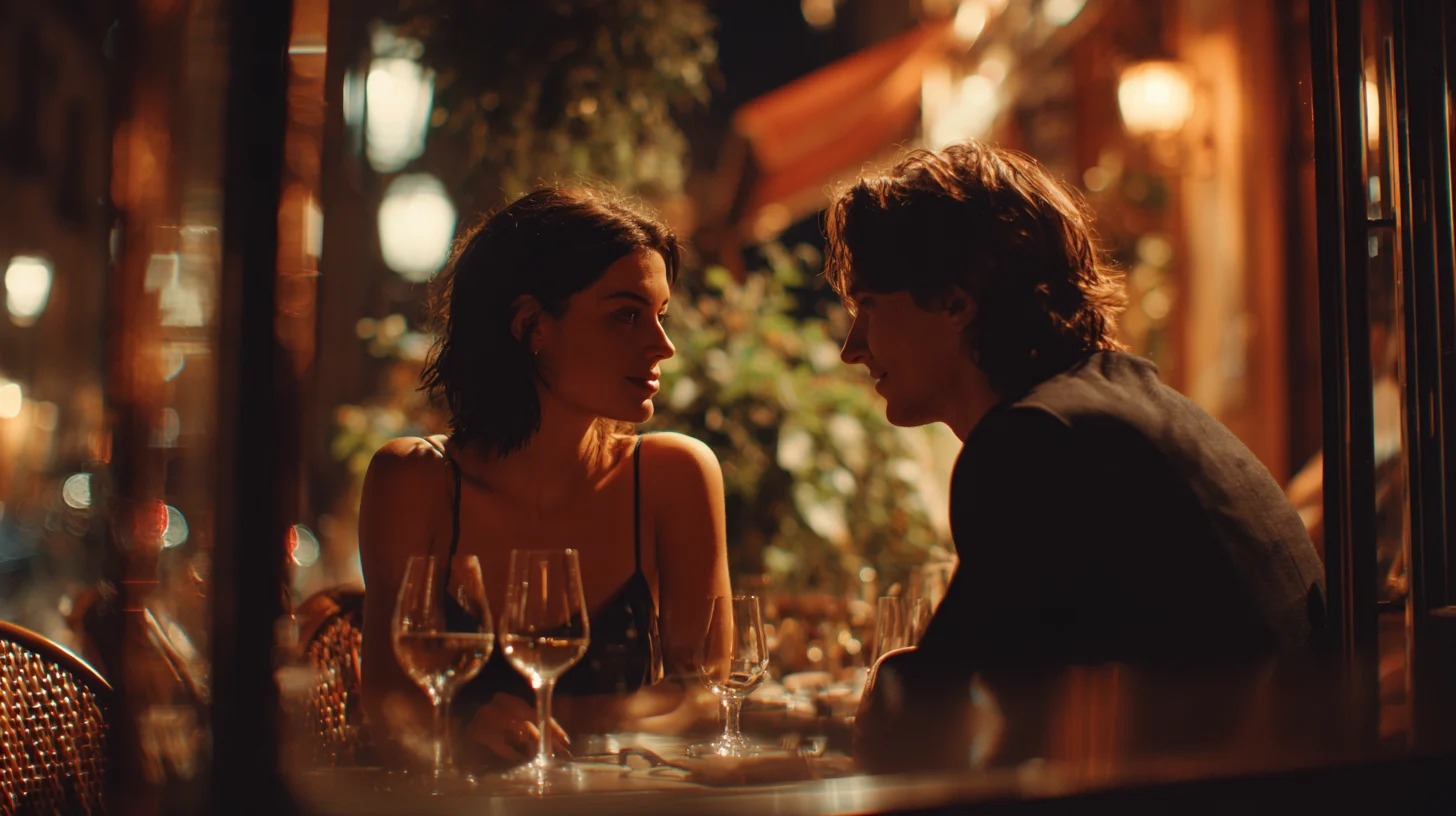
What visual styles are included?
Every project can follow one of twelve signature aesthetics — a single
visual style applied consistently across every character, location,
and shot: Pastel Americana, Hand-Drawn, European Art House, Digital
Animation, Dark Academia, Neon Cyberpunk, Painterly Neon, Watercolor
Anime, Film Noir, Storybook Symmetry, Stop-Motion, and Retro VHS. All
twelve are free on every plan, and Independent and Hollywood
subscribers can create custom aesthetics of their own.
Frequently asked questions
What is Automat Studio?
Automat Studio is an AI filmmaking app for making a film shot by shot. You define your characters, locations, props and wardrobe once, break your story into scenes, then direct each shot — choosing the lens, the framing, the action and the dialogue — and the AI generates the images and video. It runs in a web browser, and every creative decision stays with you.
Is Automat Studio free to try?
Yes. Every new account gets 500 free credits and no credit card is required to sign up. That is enough to build your cast, design locations and generate your first shots. When you run out you can buy a one-time credit pack from $10 or subscribe to a monthly plan.
How do credits work?
Credits are the single currency for everything you generate. Character and location images, first frames, video, dialogue, lip sync, sound effects and visual effects each have a credit price, deducted only when a generation succeeds — browsing, organising projects and failed generations cost nothing. Plan credits refresh every month; credits you buy in a pack never expire.
What do the paid plans cost?
There are three monthly plans: Microbudget at $10, Independent at $25 and Hollywood at $50. Each includes monthly credits worth 20% more than the plan price — 1,200, 3,000 and 6,000 credits respectively — along with more active projects than the free plan's one (3, 10 and unlimited respectively) and workflow features such as custom aesthetics, media export, 4K upscaling and XML project export. Image, video, dialogue, lip sync, sound-effect and visual-effect generation are available on every plan including the free one, and are paid for with credits.
Which AI models does Automat Studio use?
Automat Studio brings the leading models together in one studio, with no separate subscriptions to manage: Google Veo and Imagen, OpenAI Sora and GPT-Image, Runway Gen-4 and Aleph, Kling, Seedream, FLUX and more, plus ElevenLabs voices for dialogue. You pick the model per shot and pay only for what you generate. The roster is kept current as new models ship.
Who owns the films and images I create?
You do. You retain full ownership of the AI-generated content you create on the platform. Automat Studio also does not use your content to train AI models, directly or indirectly.
Do I need to install anything?
No. Automat Studio runs entirely in your web browser — there is nothing to download and no GPU required, because all the generation happens on our servers. Any reasonably modern computer will do.
Do I need to be good at writing AI prompts?
No. Automat Studio is not a prompt box — it mirrors the way a real production works. You describe a character the way you would write one in a screenplay, describe a location the way a production designer would, and pick the shot type, lens and camera movement from the same vocabulary a director uses on set.
Can I keep the same character consistent across every shot?
Yes — that is what defining characters as reusable assets is for. You create a character once, with a name, an age and a physical description, then use them across every scene and shot in the project so they stay recognisably the same person throughout. Locations, props and wardrobe work the same way.
Can I export my film to a video editor?
Yes. You can watch your assembled film in the app and share it with a link on any plan, though shares from free accounts carry a watermark. Independent plans and above can export the underlying image, video and audio files, and the Hollywood plan can export an XML project for Final Cut Pro or Premiere so you can finish the edit in your own timeline.